Introduction
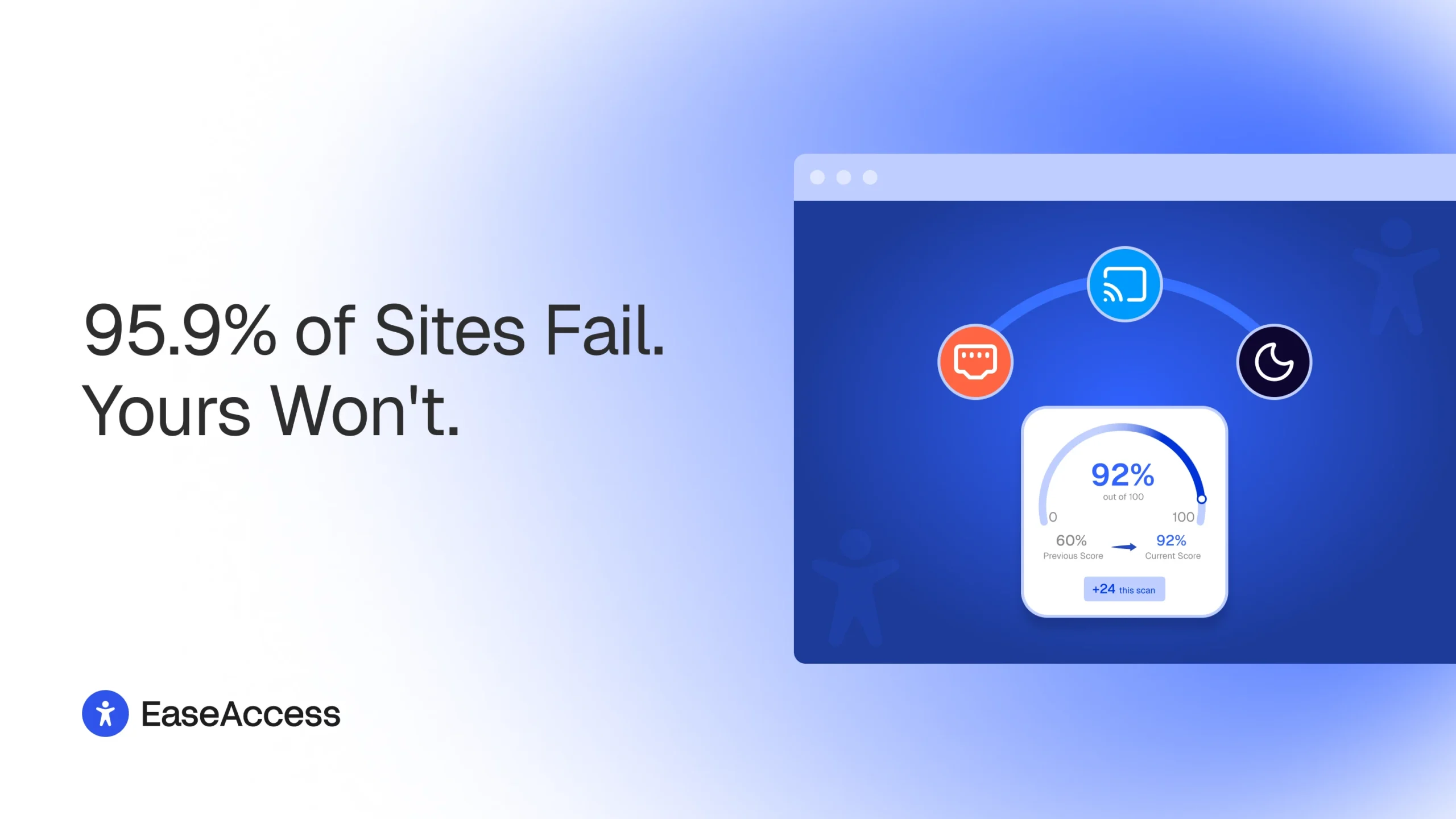
WordPress Accessibility: Here's a number worth nothing: according to WebAIM's 2026 Million report, which evaluates the home pages of the top one million websites every year, 95.9% of those home pages had at least one detectable WCAG 2 failure, up from 94.8% the year before.
The same report found an average of 56 accessibility errors per home page, and pinned low-contrast text as the single most common issue, present on 83.9% of pages checked.
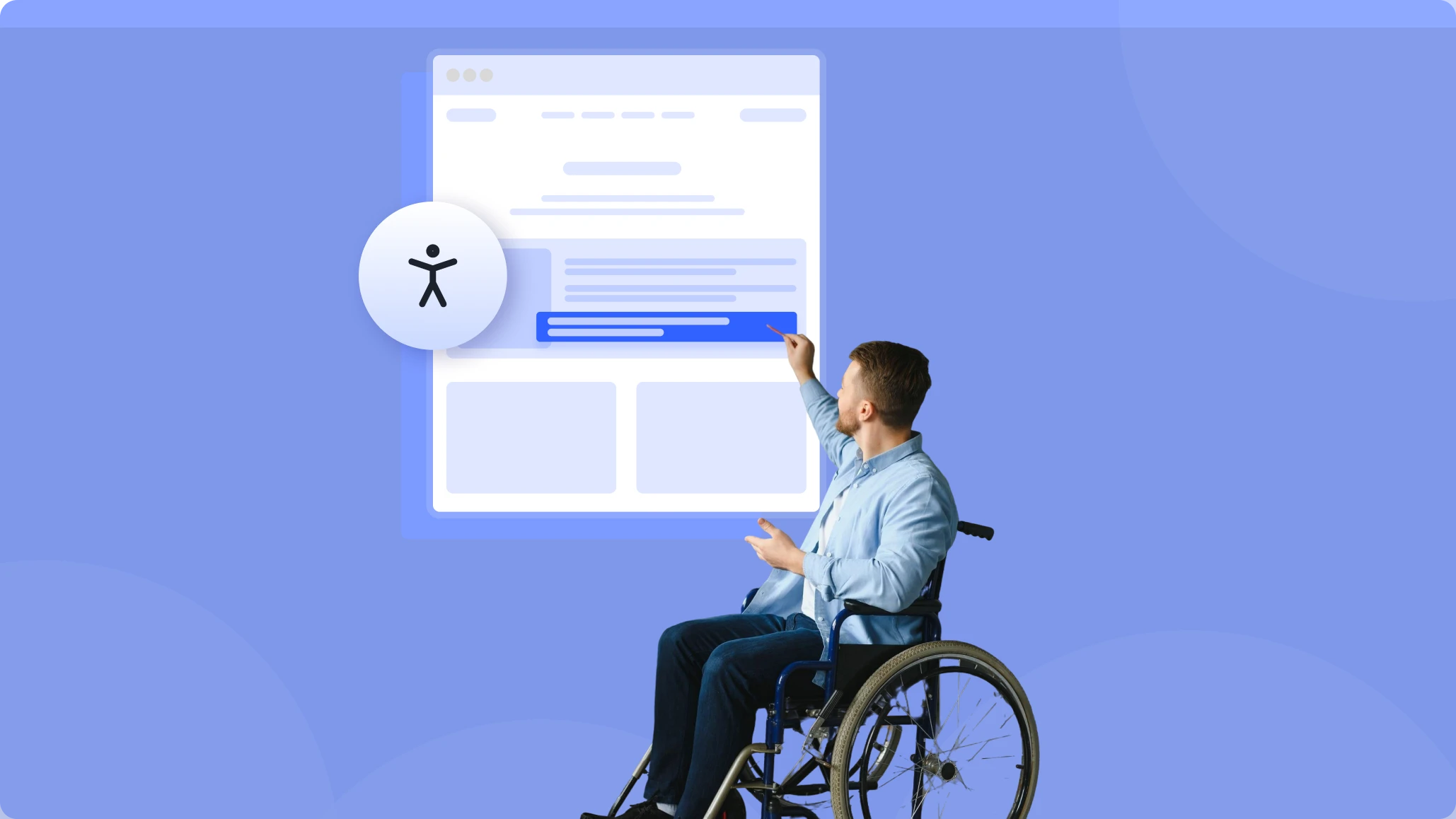
That means most sites are quietly turning away visitors who rely on screen readers, keyboard navigation, or higher contrast to get around, and their owners usually have no idea it's happening. Every one of those visitors is a potential customer, subscriber, or reader who hits a wall and simply leaves.
And the legal stakes are real and rising. In the United States, website accessibility lawsuits filed in federal court reached 3,117 in 2025, a 27% increase over 2024, according to law firm Seyfarth Shaw's Title III tracking, and that figure doesn't include state-court filings, which push the full-year total past 5,000.
In the EU, the European Accessibility Act has required accessible digital products and services since June 28, 2025. Making your site usable for everyone is both the right thing to do and, increasingly, a legal expectation.
There's a quieter business case too: accessible sites tend to have cleaner markup, clearer structure, and stronger SEO.
What "WordPress Accessibility" actually means
Strip away the jargon and accessibility comes down to four principles from the WCAG standard. Your site should be:
- Perceivable: people can actually see (or hear) your content
- Operable: people can navigate it, with or without a mouse
- Understandable: people can make sense of it
- Robust: it works with whatever device or assistive technology they bring