Introduction
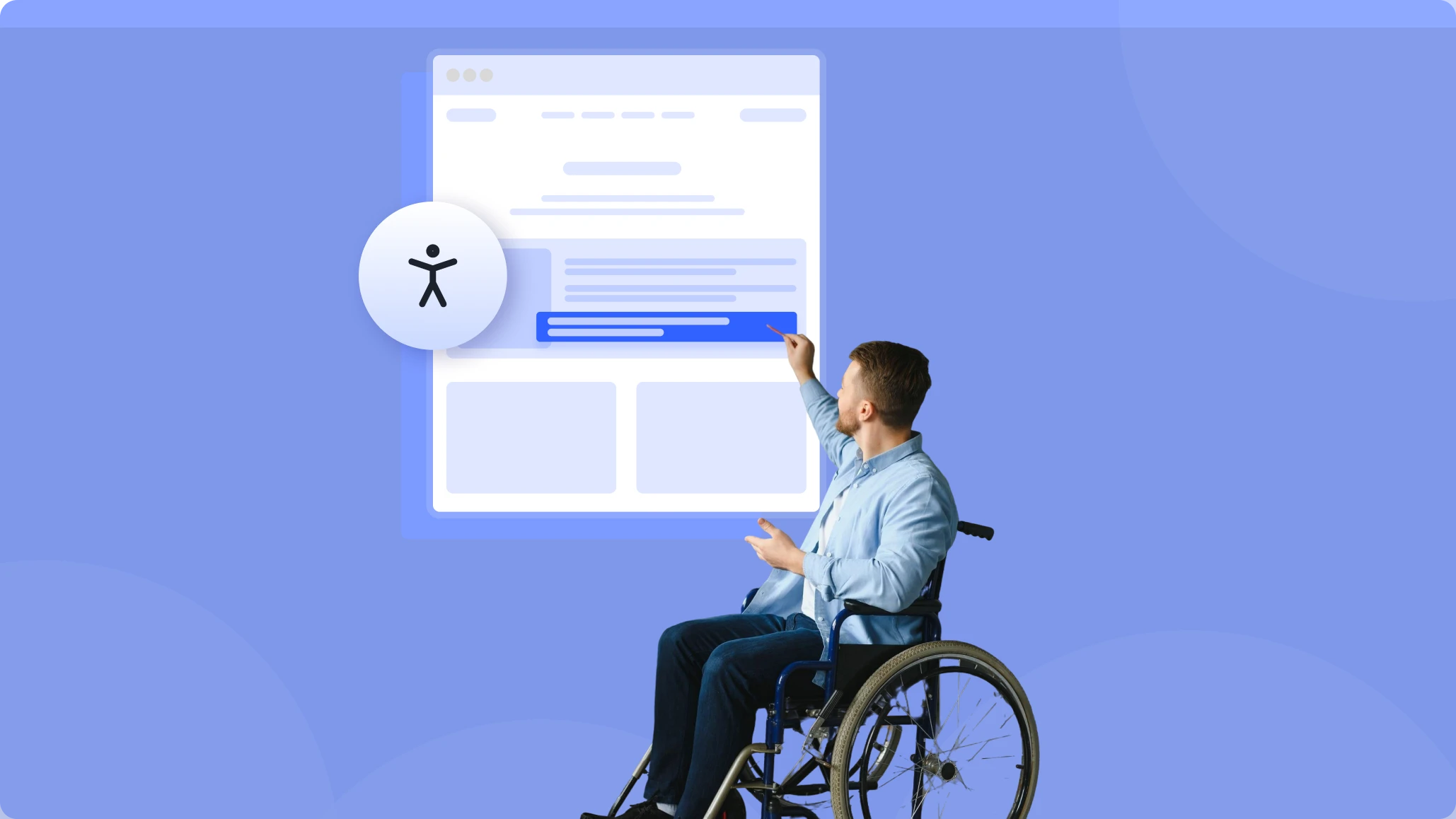
Right now, someone is visiting your website. They're interested. They're ready to buy. But they can't read your text, navigate your menu, or click your buttons. They leave. You'll never know they were there.
That's the reality for 1.3 billion people worldwide living with disabilities — 16% of the global population, according to the World Health Organization. If you haven't prioritized ADA compliance for websites, you're likely losing customers every single day.
You've built a beautiful website. The design is minimal. The layout is clean. The colors are on point. You used Elementor, Gutenberg, or Divi — the most popular accessible page builders in the WordPress ecosystem. Everything looks perfect.
But here's the uncomfortable truth: a clean design doesn't mean an accessible website design.
In 2024 alone, over 4,000 ADA lawsuit filings related to web accessibility were recorded in federal and state courts across the United States, according to UsableNet's 2024 report. And the targets aren't just big corporations — 67% of these lawsuits targeted businesses with less than $25 million in annual revenue.
Let's talk about why this happens — and how to achieve legal risk mitigation through proper accessibility.
Understanding ADA Compliance for Websites
The Americans with Disabilities Act (ADA) was enacted in 1990 to ensure equal access for people with disabilities. While originally focused on physical spaces, courts have increasingly applied ADA compliance to digital properties.
What does web accessibility mean for your site?
It means your site must be usable by people with various disabilities, including:
→ Visual impairments (blindness, low vision, color blindness) — requiring screen reader compatibility
→ Hearing impairments — requiring captions and transcripts
→ Motor disabilities — requiring full keyboard navigation support
→ Cognitive disabilities (dyslexia, ADHD) — requiring inclusive design principles
The Web Content Accessibility Guidelines (WCAG) provide the technical standards. Most legal cases reference WCAG 2.2 WordPress standards, specifically Level AA, as the benchmark. In 2023, the Department of Justice officially confirmed that web accessibility is covered by the ADA, setting WCAG 2.1 Level AA as the minimum standard for state and local government websites.
These guidelines cover things like text alternatives for images, keyboard navigation, proper color contrast ratio (minimum 4.5:1), and screen reader compatibility.
WCAG compliance isn't optional anymore. It's a legal requirement and a business imperative — especially as we move into 2026.
Common Misconceptions About Accessible Website Design
Here's where most website owners get it wrong:
"My site looks clean and modern, so it must be accessible."
This is the most dangerous assumption in web design.
A minimalist design with plenty of white space, elegant typography, and smooth animations says nothing about web accessibility. In fact, some of the "cleanest" designs commit the worst accessibility sins:
→ Low color contrast ratio text that looks sophisticated but is unreadable for users with low vision
→ Icon-only buttons with no text labels — impossible for screen readers to interpret, breaking screen reader compatibility
→ Autoplay videos without captions
→ Hover-only interactions that users relying on keyboard navigation can never trigger
→ Missing alt text on images because "the design speaks for itself."
This is why a proper website accessibility audit is essential, regardless of how good your site looks.

Elementor Accessibility, Gutenberg Compliance, and Divi ADA Issues
Let's examine what each page builder offers for inclusive design — and where they fall short.
Elementor Accessibility
Elementor ADA compliance features include skip-to-content links and basic ARIA support. However, Elementor accessibility has significant gaps. Third-party addons rarely consider screen reader compatibility.
Common ADA issues with Elementor: Missing focus indicators, inaccessible popups, poor heading structure, and inadequate keyboard navigation support.
Gutenberg Compliance
As WordPress's native editor, Gutenberg complies with accessibility standards and is generally stronger. Gutenberg accessibility benefits from following WordPress's core accessibility guidelines. Block-based design encourages semantic HTML, and built-in blocks generally have decent screen reader compatibility.
Common issues affecting Gutenberg compliance: Custom blocks from third-party developers often lack accessibility. Theme styling can break default accessible features, undermining WCAG compliance.
Divi ADA Issues
Divi accessibility offers extensive design flexibility, which is both its strength and weakness. The visual builder makes it easy to create beautiful designs, but equally easy to make inaccessible choices. Divi ADA issues are common because color contrast tools exist, but aren't enforced.
Common Divi ADA issues: Overuse of custom fonts affecting readability, decorative elements without proper ARIA labels breaking screen reader compatibility, and complex layouts that confuse assistive technologies.
The bottom line for accessible page builders?
None of these builders guarantees ADA compliance for websites. They provide tools, not solutions. Elementor accessibility, Gutenberg compliance, and Divi accessibility all require manual attention and expertise.

Real-Life Case Studies: When Web Accessibility Fails
These are documented cases that demonstrate the real consequences of failing ADA compliance for websites:
Case 1: Domino's Pizza (2019) — Screen Reader Compatibility Failure
A blind user named Guillermo Robles sued Domino's Pizza because he couldn't order food through their website or mobile app using screen reader software. The case highlighted critical screen reader compatibility failures and went all the way to the U.S. Supreme Court, which declined to hear Domino's appeal.
Outcome: Domino's was required to achieve full WCAG compliance on its digital platforms. The case became a landmark decision establishing that ADA compliance for websites is legally required.
Source: AudioEye
Case 2: Target Corporation (2008) — Accessible Website Design Failure
The National Federation of the Blind sued Target because its website lacked an accessible website design. Screen readers couldn't navigate the site properly due to poor screen reader compatibility, and images lacked alt text.
Outcome: Target agreed to pay $6 million in damages and committed to comprehensive web accessibility improvements.
Source: Be Accessible
Case 3: Netflix (2012) — Inclusive Design Failure
The National Association of the Deaf sued Netflix for failing to provide closed captions on its streaming content. The court ruled that streaming services must implement inclusive design principles and comply with ADA requirements.
Outcome: Netflix paid $755,000 in legal fees and implemented captions across all content — a lesson in legal risk mitigation through proactive accessibility.
Source: Be Accessible
Practical Solutions for Legal Risk Mitigation
Ensuring ADA compliance for websites requires proactive steps. Use this checklist to protect your brand:
- Audit Your Site: Conduct a regular website accessibility audit to find hidden errors.
- Focus on Navigation: Ensure full keyboard navigation functionality—users should never get "stuck."
- Check Contrast: Maintain a color contrast ratio of at least 4.5:1 for all standard text.
- Optimize for Screen Readers: Test for screen reader compatibility to ensure your "clean" images have descriptive alt-text.
Use a Plugin: Implement a WordPress accessibility plugin like EaseAccess to automate SaaS accessibility fixes across Elementor, Divi, and Gutenberg.

The Best Web Accessibility Plugin 2026:
Use a comprehensive WordPress accessibility plugin that works across all accessible page builders.
EaseAccess is a complete web accessibility plugin 2026 solution that adds full accessibility features to any WordPress site — solving Elementor accessibility gaps, Gutenberg compliance issues, and Divi ADA issues simultaneously.
One plugin. One click. Full WCAG compliance.
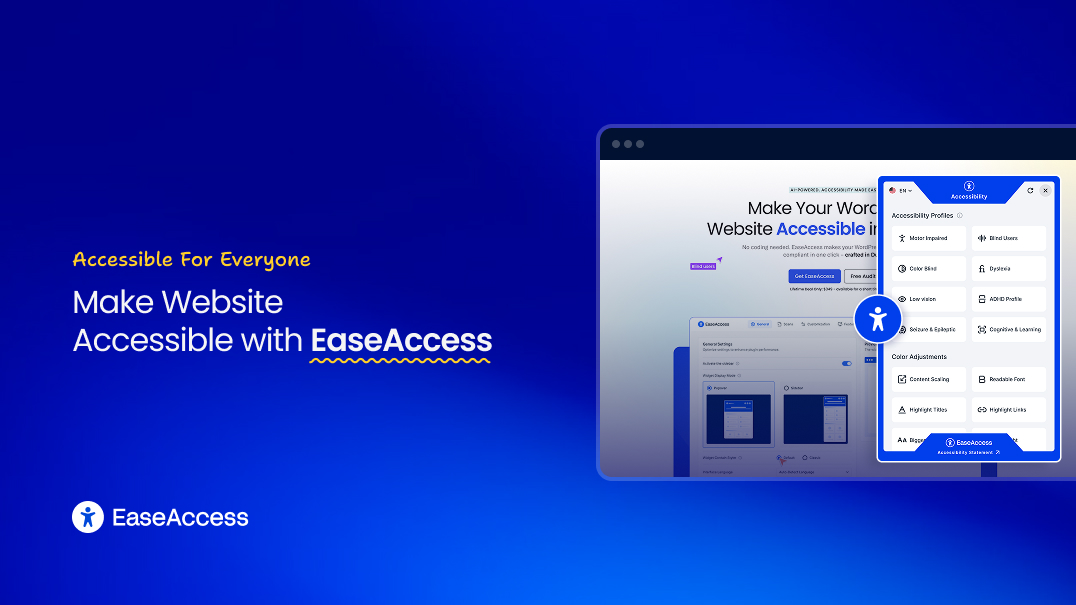
With 25+ features, 8 ready-to-use accessibility profiles, and AI-powered scanning, EaseAccess handles everything from screen reader compatibility to keyboard navigation to proper color contrast ratio enforcement, without touching your design.
Whether you're focused on Elementor ADA compliance, Divi accessibility, or Gutenberg accessibility, EaseAccess provides the inclusive design foundation your site needs.
Conclusion: Prioritize ADA Compliance for Websites
Your clean, beautiful website might be failing the web accessibility test — and you'd never know it just by looking.
By prioritizing accessible website design, you improve your SEO, reach more customers, and ensure long-term legal risk mitigation. Whether you are dealing with Divi ADA issues or striving for Gutenberg accessibility, the goal is a web that excludes no one.
The good news? Achieving an accessible website design isn't hard. With the right website accessibility audit approach, proper attention to screen reader compatibility, keyboard navigation, and color contrast ratio — plus the right WordPress accessibility plugin — you can make your site fully accessible without sacrificing design.
As WCAG 2.2 WordPress standards continue to evolve and ADA lawsuit filings remain high, investing in a quality web accessibility plugin 2026 solution like EaseAccess is the smartest legal risk mitigation strategy for any business.
Frequently Asked Questions
Q1: Is ADA compliance legally required for all websites?
Answer: Yes, courts have ruled that websites serving the public must be accessible under Title III of the ADA, regardless of business size.
Q2: Does using Elementor, Gutenberg, or Divi make my site automatically accessible?
Answer: No. These page builders provide design tools, not accessibility guarantees — you must manually ensure WCAG compliance or use a dedicated accessibility plugin.
Q3: How much does an ADA website lawsuit cost?
Answer: Settlements typically range from $5,000 to $25,000, plus legal fees and remediation costs that can push total expenses beyond $25,000.
Q4: What are the most common accessibility issues that trigger lawsuits?
Answer: Missing alt text, poor color contrast, lack of keyboard navigation, inaccessible forms, and broken screen reader compatibility are the top violations.
Q5: How can I quickly make my WordPress site ADA-compliant?
Answer: Install a comprehensive accessibility plugin like EaseAccess that adds screen reader support, keyboard navigation, contrast adjustments, and accessibility profiles in one click.
Ready to Achieve Full ADA Compliance for Websites?
Don't wait for an ADA lawsuit to take action on web accessibility.
Try EaseAccess free — the leading WordPress accessibility plugin for 2026. Make your WordPress site ADA and WCAG compliant in one click.