Introduction
For most of the web's history, website accessibility for WordPress was treated as optional. Something you'd get to eventually.That era is over.
In 2026, website accessibility is a legal requirement in the United States under the ADA, across the EU under the European Accessibility Act, and in an increasing number of jurisdictions worldwide.
Lawsuits against inaccessible websites are rising year over year. And beyond legal risk, 1.3 billion people — roughly 1 in 6 globally — live with some form of disability that affects how they use the web.
This guide covers what website accessibility for WordPress actually means in 2026, what the law requires, and how to fix it without hiring a specialist.
What Website Accessibility for WordPress Means in Practice
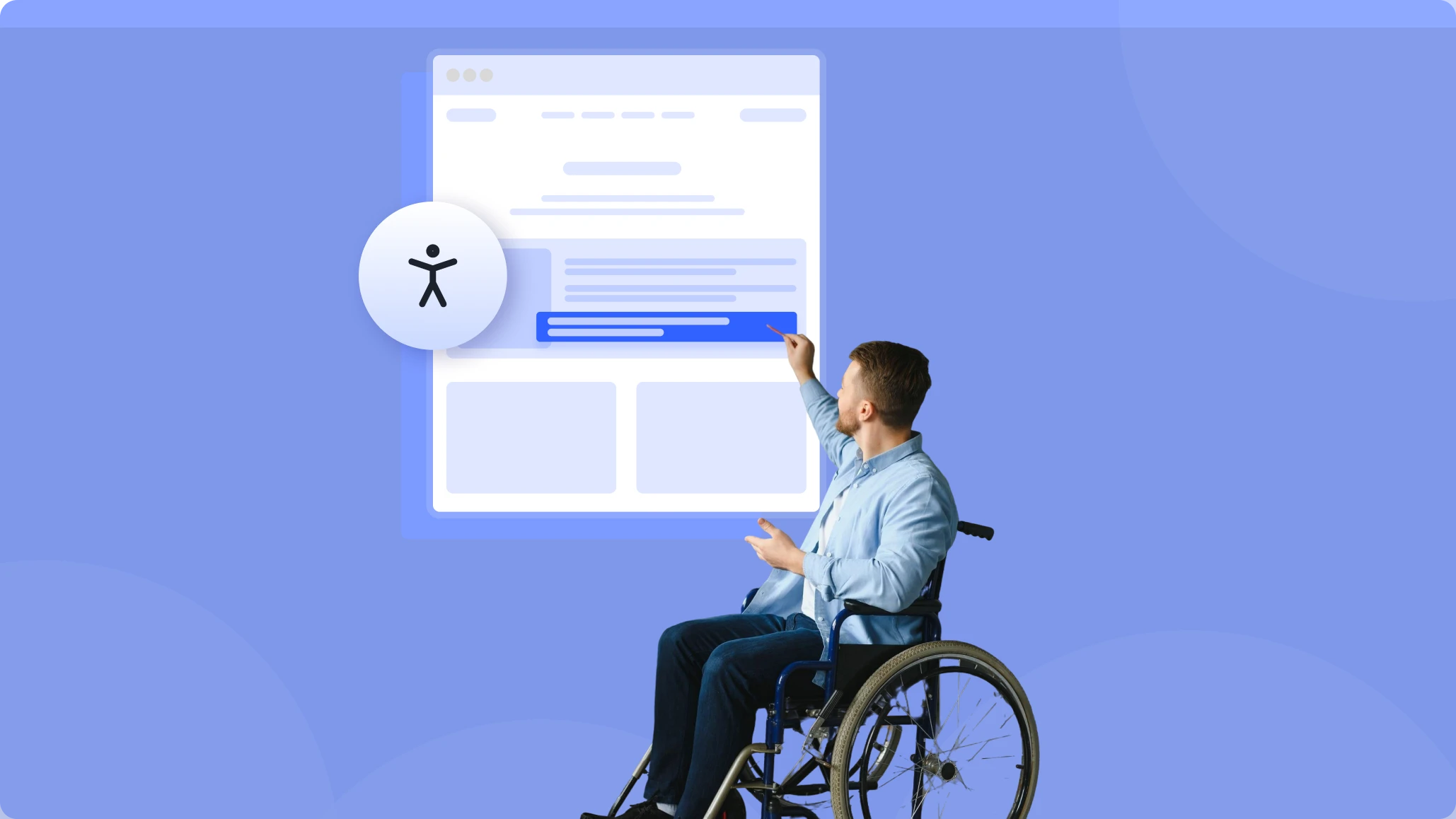
Website accessibility for WordPress means your site can be used by everyone — including people with visual, auditory, motor, and cognitive disabilities.
Visual accessibility — content that works for low vision, color blindness, or blindness. Sufficient color contrast, scalable text, screen reader compatibility.
Motor accessibility — interfaces navigable without a mouse. Keyboard navigation, tab order, focus indicators, appropriately sized touch targets.
Cognitive accessibility — clear, consistent, readable content. Logical page structure, readable fonts, clear error messages, no seizure-triggering animations.
Auditory accessibility — captions for video, transcripts for audio, visual alternatives to audio cues.
None of these require a complete rebuild. Most can be addressed with the right WordPress accessibility tools and a few deliberate decisions.
The Legal Landscape for Website Accessibility in 2026
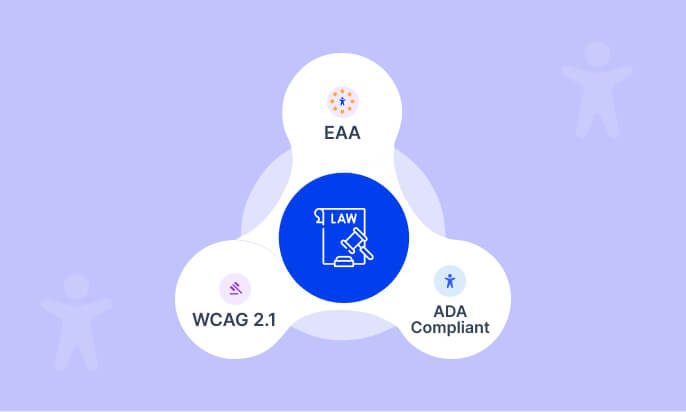
United States — ADA The Americans with Disabilities Act applies to websites as places of public accommodation. Courts consistently apply WCAG 2.1 Level AA as the standard. ADA website accessibility lawsuits have risen dramatically since 2018 — thousands are filed annually. WordPress site owners are not exempt.
European Union — European Accessibility Act The EAA came into full effect in June 2025. It requires websites and digital services serving EU consumers to meet EN 301 549 — which aligns with WCAG 2.1 Level AA. This applies to any business selling to EU customers, regardless of where the business is based.
United Kingdom & Canada Both have active legislation targeting public sector and federally regulated organizations, with private sector requirements expanding.
Website accessibility for WordPress in 2026 is not a regional concern — it's a global baseline.
Understanding WCAG 2.1 for WordPress Sites
WCAG 2.1 organizes website accessibility requirements around four principles — POUR:
Perceivable — text alternatives for images, captions for video, sufficient color contrast.
Operable — keyboard accessible navigation, no seizure-inducing content, sufficient time to complete tasks.
Understandable — readable text, predictable navigation, clear error identification and input assistance.
Robust — valid HTML, correct ARIA attributes, compatibility with assistive technologies.
WCAG 2.1 Level AA is the target for most legal requirements around website accessibility for WordPress in 2026. Level A is the minimum. Level AAA is enhanced and generally beyond what's legally required.
Common Website Accessibility Failures on WordPress Sites
The most frequently cited WordPress website accessibility issues in 2026:
Missing image alt text — every meaningful image needs descriptive alt text. Decorative images should use alt="" so screen readers skip them.
Insufficient color contrast — WCAG requires 4.5:1 contrast ratio for normal text, 3:1 for large text. Light grey on white fails. Many popular WordPress color combinations fail.
Non-keyboard-navigable menus — hover-only dropdown menus lock out keyboard users entirely.
Missing form labels — every input field needs a programmatically associated label for screen reader compatibility.
No skip navigation — keyboard users navigate linearly. A "skip to main content" link prevents them from sitting through the full navigation on every page load.
Auto-playing media — always provide immediate user controls for video and audio.
Invisible focus indicators — many WordPress themes remove the default focus outline for aesthetics. This makes keyboard navigation impossible to follow.
Fixing all of these manually across a live WordPress site requires a developer audit. That's the traditional path to website accessibility compliance. In 2026, there's a faster one.
How EaseAccess Fixes WordPress Website Accessibility
EaseAccess adds an accessibility layer directly to your WordPress site — giving every visitor control over how they experience your content, without requiring code-level changes to your theme.
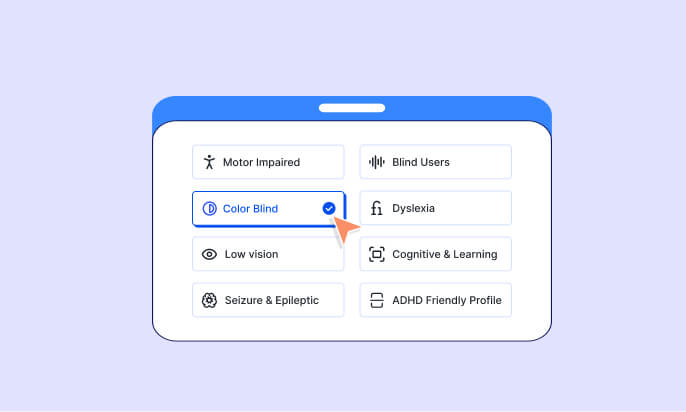
8 built-in accessibility profiles for WordPress:
- 👁 Vision Impaired — enhanced visuals and contrast
- 🧠 Cognitive Disability — reduced complexity, improved focus
- ⚡ Seizure Safe — eliminates flashing and motion
- 🎯 ADHD Friendly — minimized distractions
- ⌨️ Keyboard Navigation — full keyboard operability
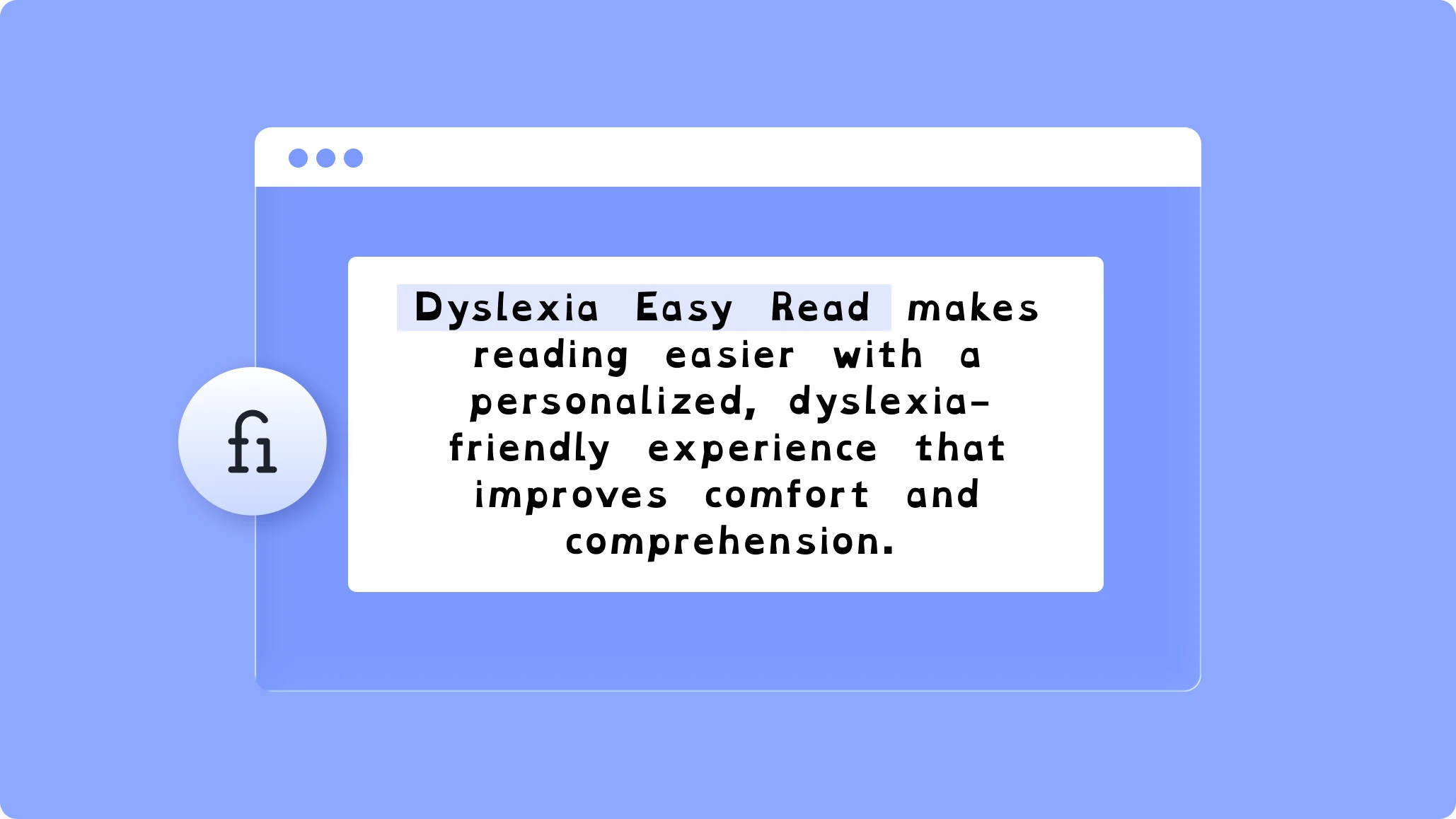
- 📖 Dyslexia Friendly — adjusted fonts and spacing
- 👴 Elderly — larger text, clearer contrast
- 🔵 Blind Users — optimized for screen reader use
25+ individual accessibility features — text size, contrast, cursor size, font family, line height, letter spacing, and more — all user-controlled.
35+ language support — the accessibility widget adapts automatically to your visitors' language.
AI-powered alt text generation — automatically generates descriptions for images missing alt text.
One plugin. One activation. Measurable progress toward website accessibility compliance for your WordPress site in 2026 — without touching a line of code.
Accessibility as a Business Advantage in 2026
Fixing WordPress website accessibility issues isn't just about avoiding lawsuits. Accessible sites perform better on metrics that matter to every site owner:
SEO — semantic HTML, image alt text, clear heading structure, and fast load times all overlap directly with SEO best practices. More accessible WordPress sites rank better.
Conversion rate — larger touch targets, clearer form labels, better contrast improve experience for everyone — mobile users, elderly visitors, people in poor lighting conditions.
Market size — the disability community represents $490 billion+ in spending power in the US alone. An inaccessible WordPress site excludes a significant portion of potential customers.
Brand trust — demonstrating that your website works for everyone signals organizational values that increasingly influence purchase decisions in 2026.
Website Accessibility Checklist for WordPress in 2026
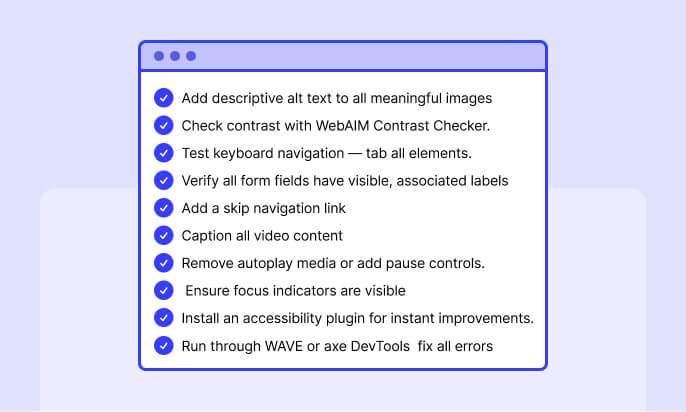
[ ] Add descriptive alt text to all meaningful images
[ ] Check contrast with WebAIM Contrast Checker.
[ ] Test full keyboard navigation — tab through every interactive element
[ ] Verify all form fields have visible, associated labels
[ ] Add a skip navigation link
[ ] Caption all video content
[ ] Remove auto-playing media or provide immediate pause controls
[ ] Ensure focus indicators are visible
[ ] Install an accessibility plugin for immediate user-controlled improvements
[ ] Run through WAVE or axe DevTools — fix all errors
Conclusion
Website accessibility for WordPress in 2026 is not a specialist concern. It is a legal requirement, a commercial advantage, and a baseline expectation for any site serving a global audience.
The tools exist. The guidance is clear. The only question is whether you act before a compliance notice arrives — or after.
Frequently Asked Questions
1. What does website accessibility for WordPress mean in 2026?
Answer: Website accessibility for WordPress means your site can be used by people with visual, auditory, motor, and cognitive disabilities. In 2026, that includes things like keyboard navigation, screen reader support, color contrast, captions, and clear content structure.
2. Is WordPress website accessibility required by law?
Answer: Yes. In 2026, accessibility is a legal requirement in the United States under the ADA and in the EU under the European Accessibility Act. Many accessibility standards are tied to WCAG 2.1 Level AA.
3. What are the most common accessibility problems on WordPress sites?
Answer: Common issues include missing alt text, poor color contrast, menus that only work with a mouse, unlabeled form fields, hidden focus indicators, no skip-link, and auto-playing media without controls.
4. Can an accessibility plugin make my WordPress site compliant?
Answer: An accessibility plugin can improve the user experience and help address many issues, but it does not guarantee full legal compliance on its own. A complete accessibility strategy usually includes both tools and proper site fixes.
5. Why should I care about accessibility beyond legal risk?
Answer: Accessibility can improve SEO, boost conversions, expand your audience, and strengthen brand trust. It also helps create a better experience for all visitors, not just users with disabilities.