Introduction: Accessibility is Not an Option — It’s a Standard
Modern websites are expected to do more than just look good — they must be usable and inclusive for everyone.
From visually impaired users to those relying on screen readers or keyboard navigation, accessibility ensures that your website truly welcomes all visitors.
That’s where EaseAccess Accessibility steps in — a powerful, all-in-one accessibility plugin for Divi.
It simplifies WCAG and ADA compliance, helps you audit accessibility issues, and lets you customize a stunning, functional accessibility widget — all without touching a single line of code.
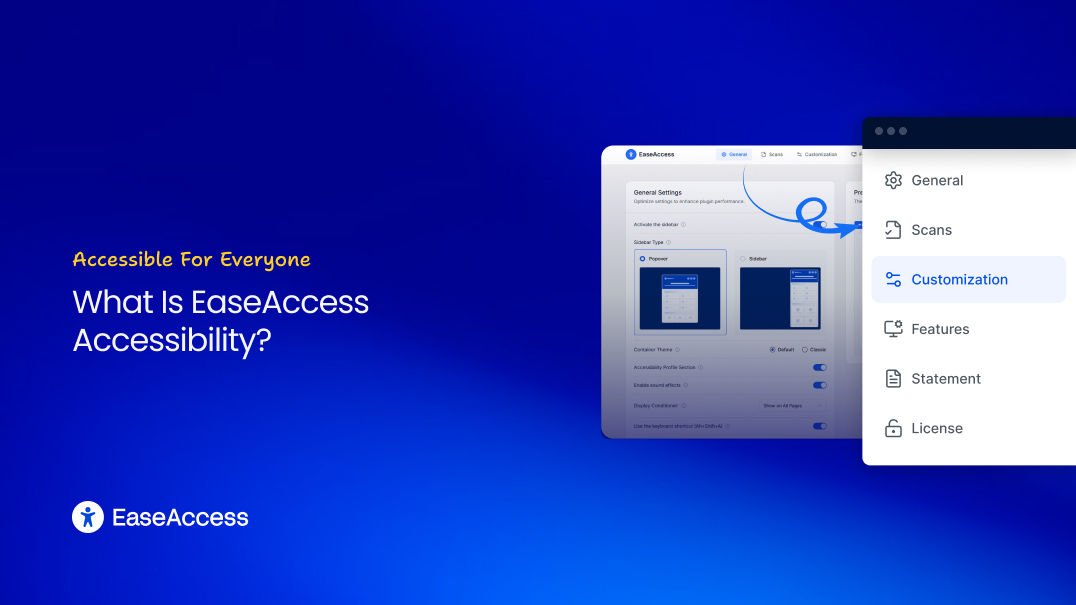
What Is EaseAccess Accessibility?
EaseAccess Accessibility is more than a front-end widget — it’s a complete accessibility toolkit for Divi websites.
Compatible with Divi modern themes and builders, the plugin combines:
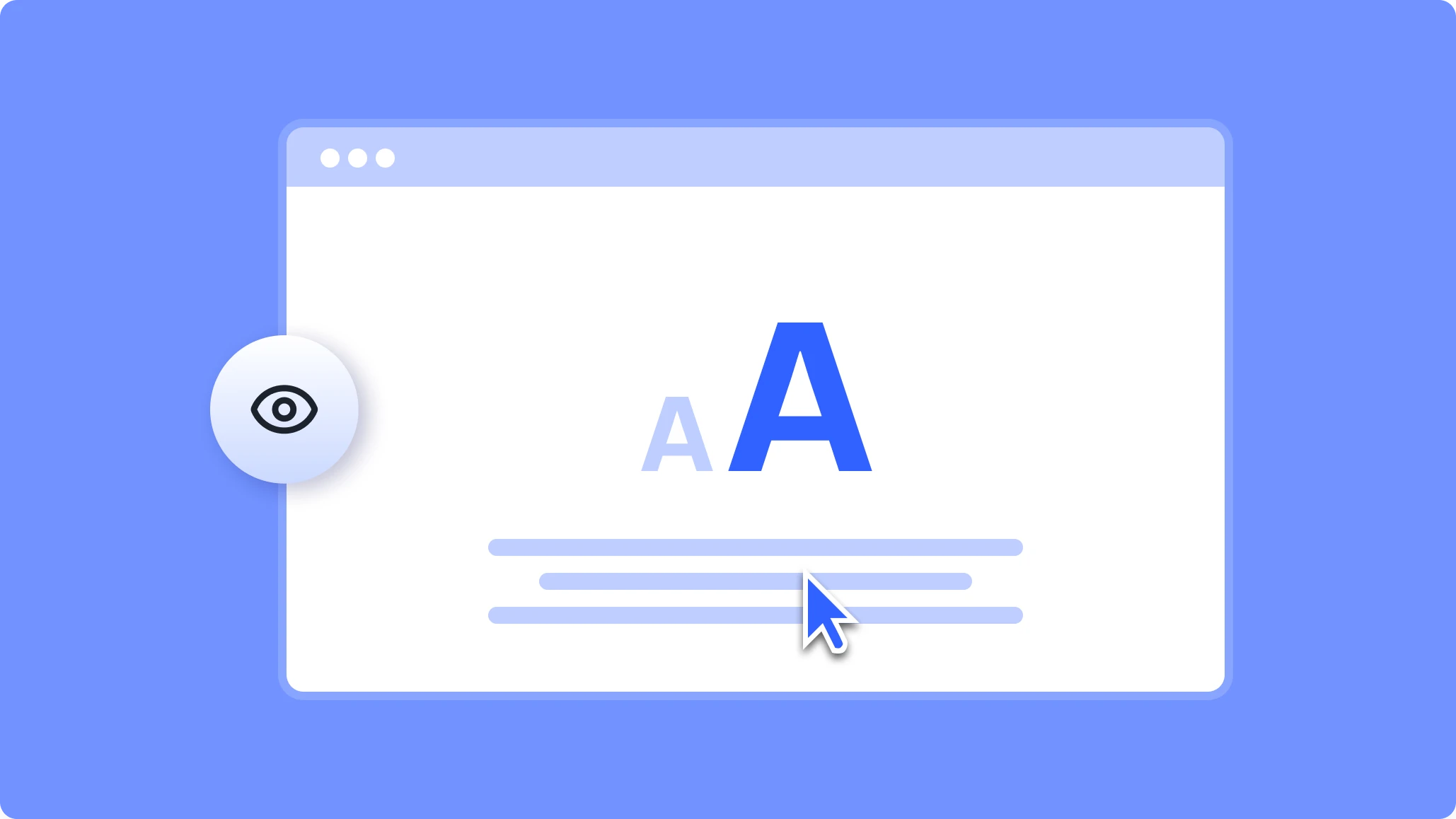
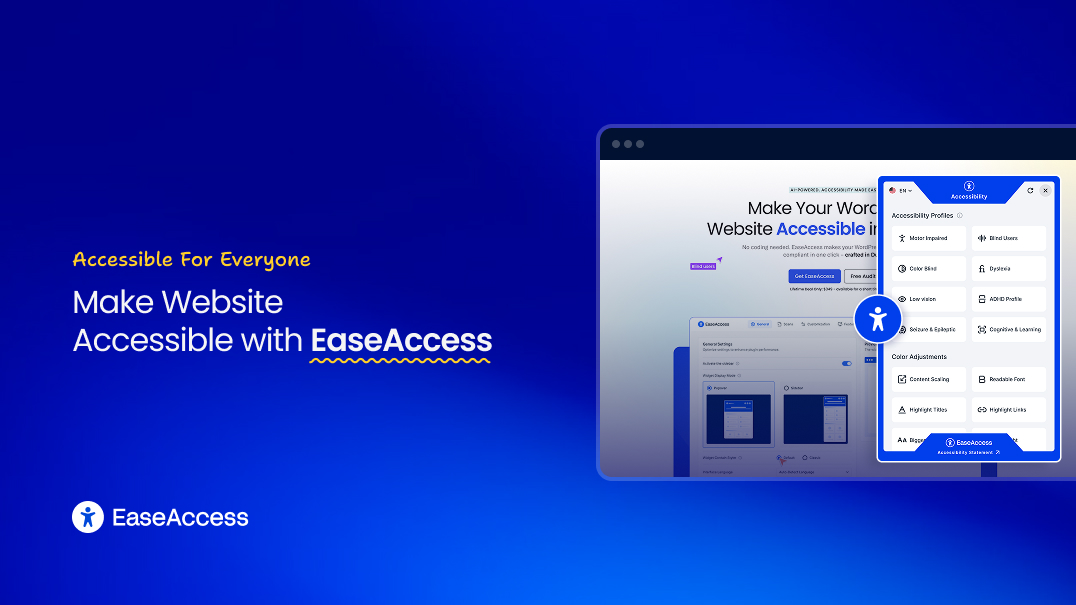
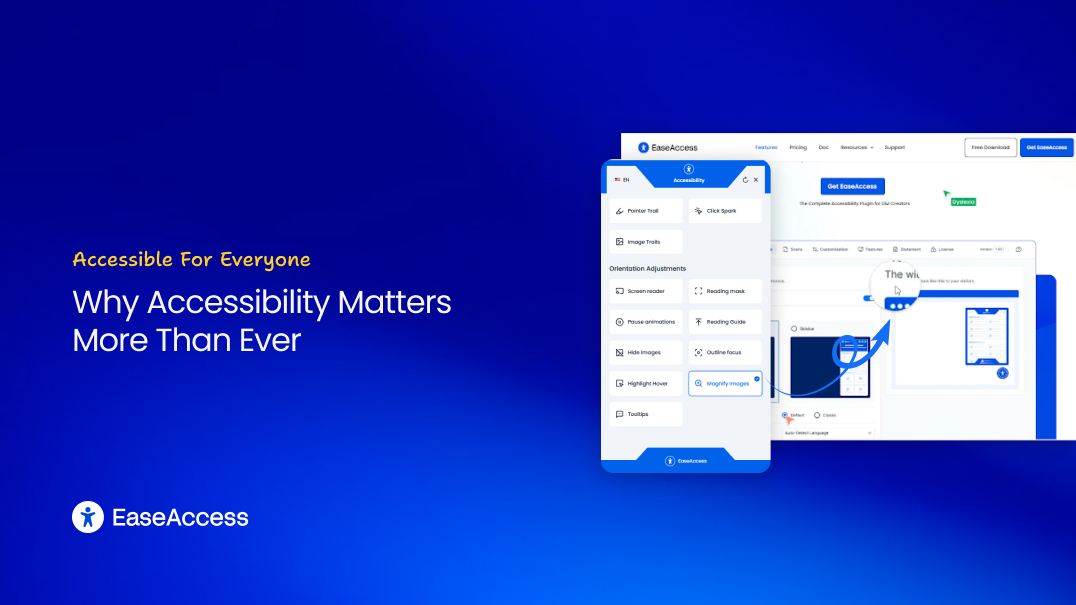
- A user-facing accessibility toolbar (font resizing, contrast, reading tools)
- A deep accessibility scanner to detect WCAG issues
- A statement generator for legal compliance
- Full visual customization controls for styling and placement
Whether you manage a blog, agency, or eCommerce store, EaseAccess helps you provide an accessible experience — beautifully integrated with your brand.
Why Accessibility Matters More Than Ever
Accessibility isn’t just ethical — it’s practical:
- Stay Legally Compliant — Meet WCAG 2.1, ADA, and Section 508 standards.
- Expand Your Audience — Reach users with visual, cognitive, and physical disabilities.
- Boost SEO — Search engines favor accessible, structured content.
- Enhance UX for Everyone — Simpler navigation and better readability improve user retention.
EaseAccess Accessibility empowers Divi creators to meet these standards effortlessly.
Getting Started: Installation & Activation
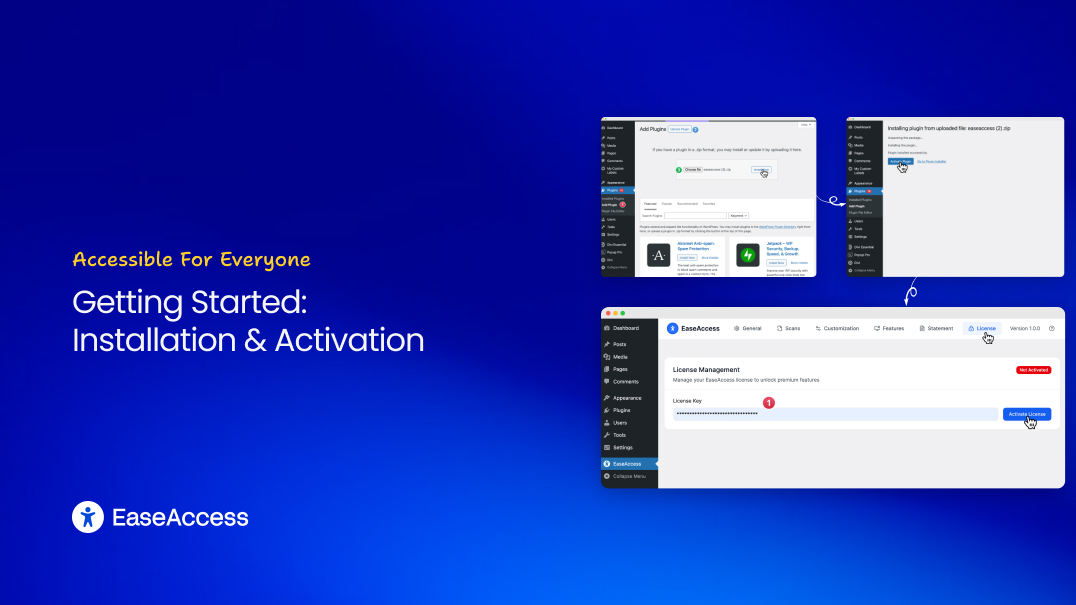
Installing EaseAccess is straightforward:
- Go to Plugins → Add New → Upload Plugin.
- Upload the easeaccess.zip file.
- Click Install Now, then Activate.
Once activated, you’ll find a dedicated EaseAccess panel in your WordPress dashboard — your hub for accessibility control.
General Settings: Control the Core Widget
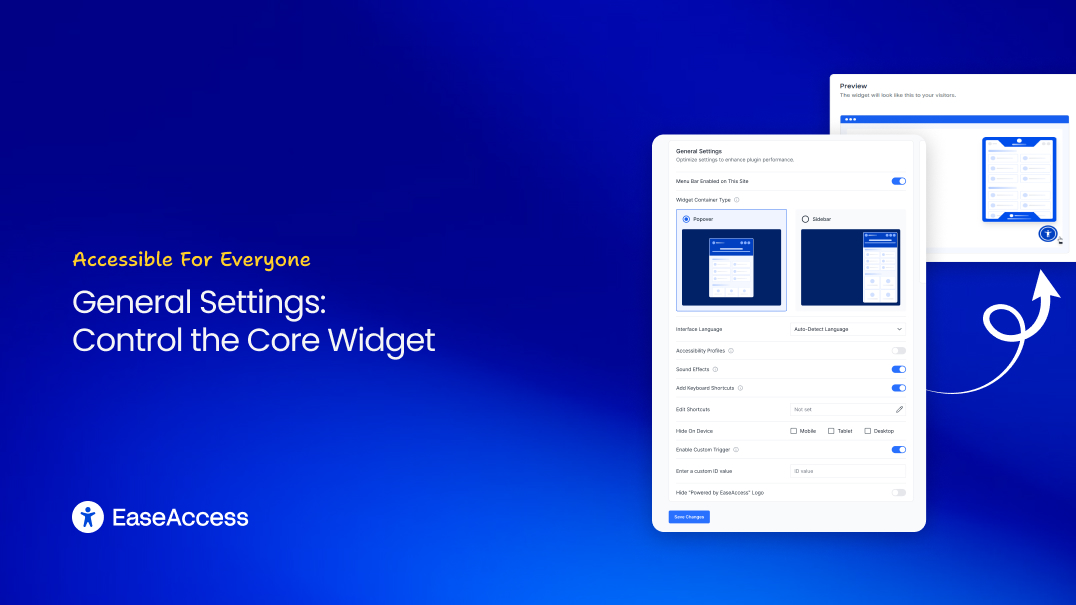
The General Settings tab gives you full control over how the accessibility widget behaves and appears:
- Activate Sidebar: Turn the widget on/off globally.
- Sidebar Type: Choose Popover (compact) or Sidebar (full-height).
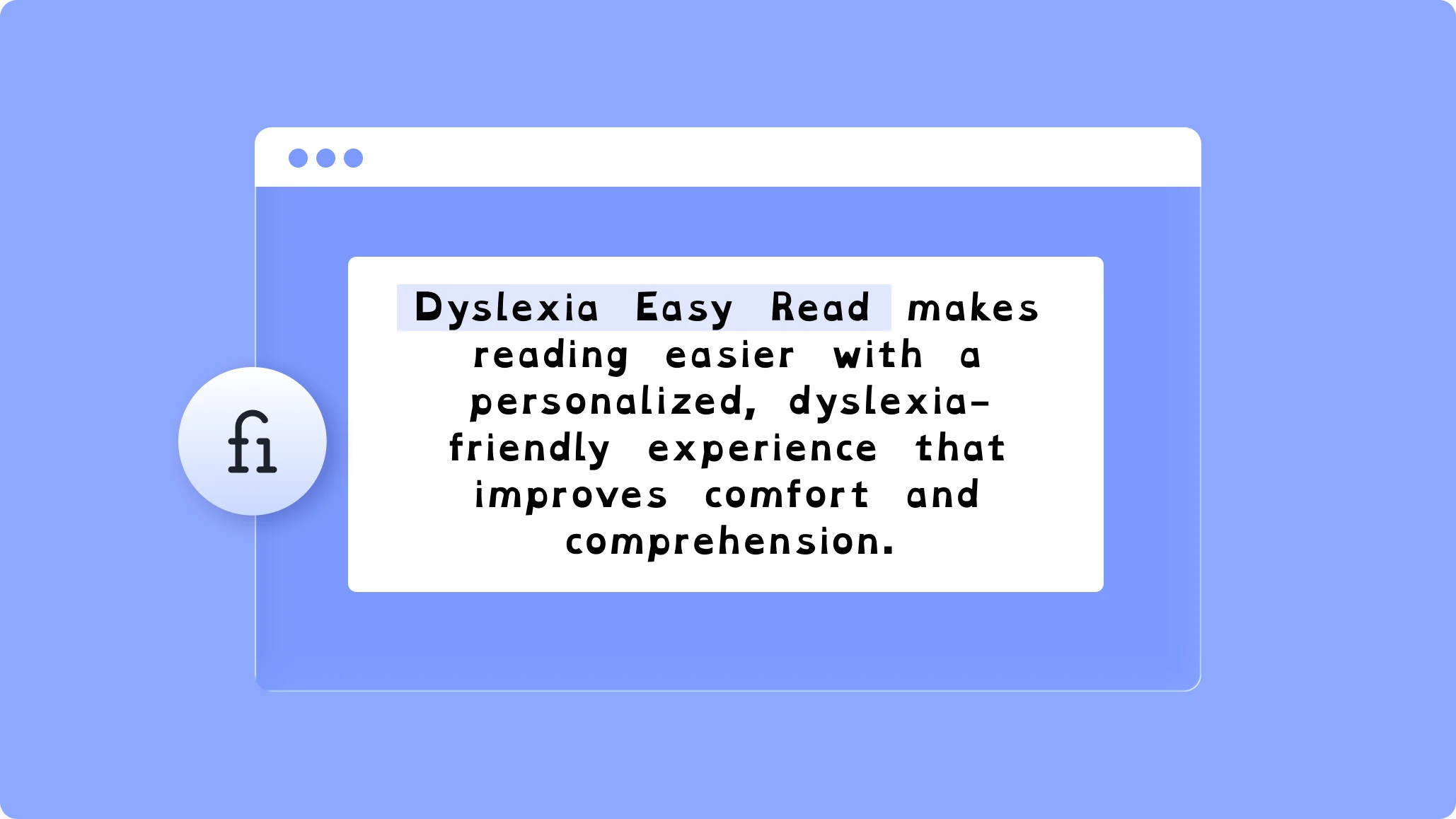
- Accessibility Profiles: One-click presets for Dyslexia, Low Vision, and more.
- Keyboard Shortcut: Allow users to open the widget using Alt + Shift + A.
- Device Visibility: Show or hide the widget on desktop, tablet, or mobile.
- White-label Option: Remove EaseAccess branding for client sites.
(Pro Tip Box) Enable the keyboard shortcut for users who rely on non-mouse navigation — it’s one of the most appreciated accessibility features.
Accessibility Scans: Audit Your Website’s Accessibility
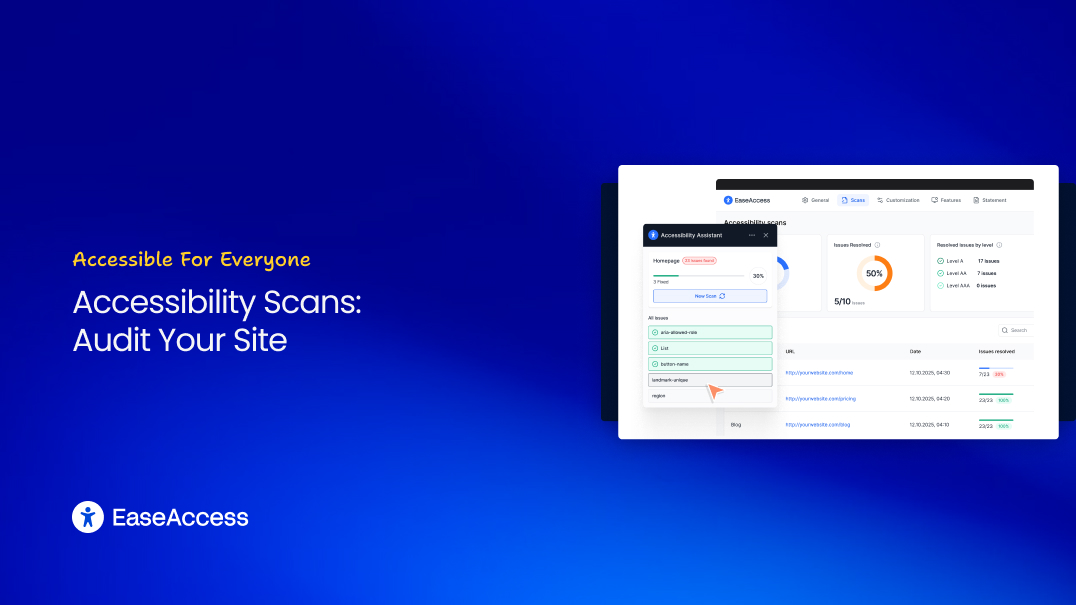
The Scans tab transforms EaseAccess into a proactive accessibility analyzer. Instead of waiting for accessibility complaints, you can detect and resolve issues early.
Key Metrics:
- Scan Coverage – Percentage of scanned pages.
- Issues Resolved – Tracks your fix progress.
- Resolved Issues by Level – Categorized by WCAG levels (A, AA, AAA).
Click Resolve Issues beside any scanned page to view detailed guidance on what’s wrong and how to fix it.
(Pro Tip Box) Run a new scan after major design updates to ensure ongoing compliance.
Customization: Design the Accessibility Button
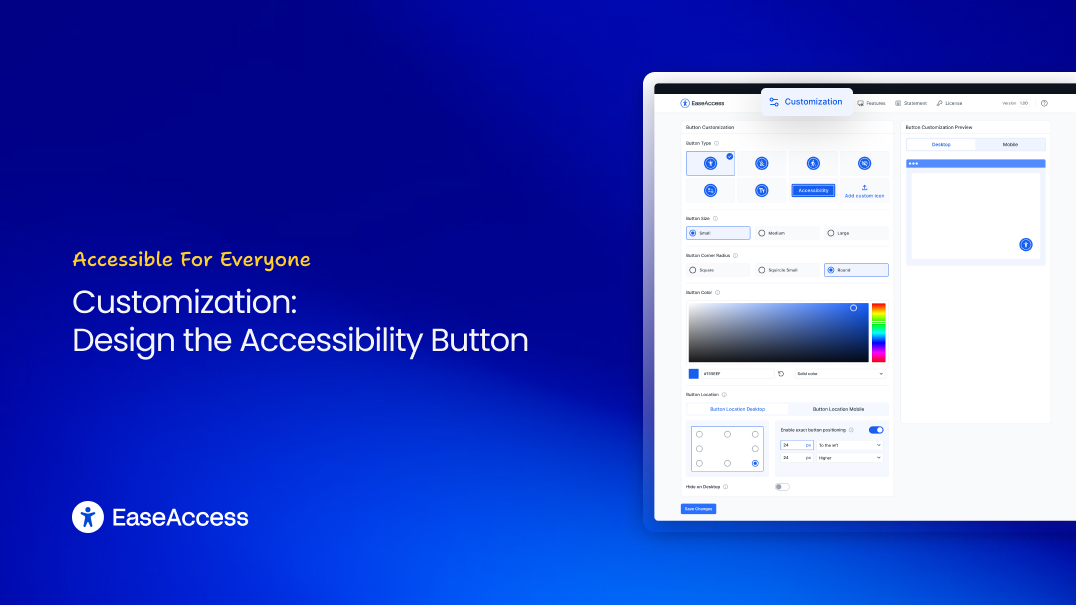
EaseAccess gives you creative freedom to make the widget blend perfectly with your site’s design.
You can customize:
- Button Style: Icon-only, text-based, or upload a custom image.
- Button Size: Small, Medium, or Large.
- Button Radius: Choose between Square, Squircle, or Rounded.
- Button Color: Select using the color picker or paste a HEX code.
- Button Position: Choose from 8 predefined screen locations for desktop and mobile.
- Drag Feature: Let visitors reposition the widget on their screen.
Features: Configure Accessibility Options
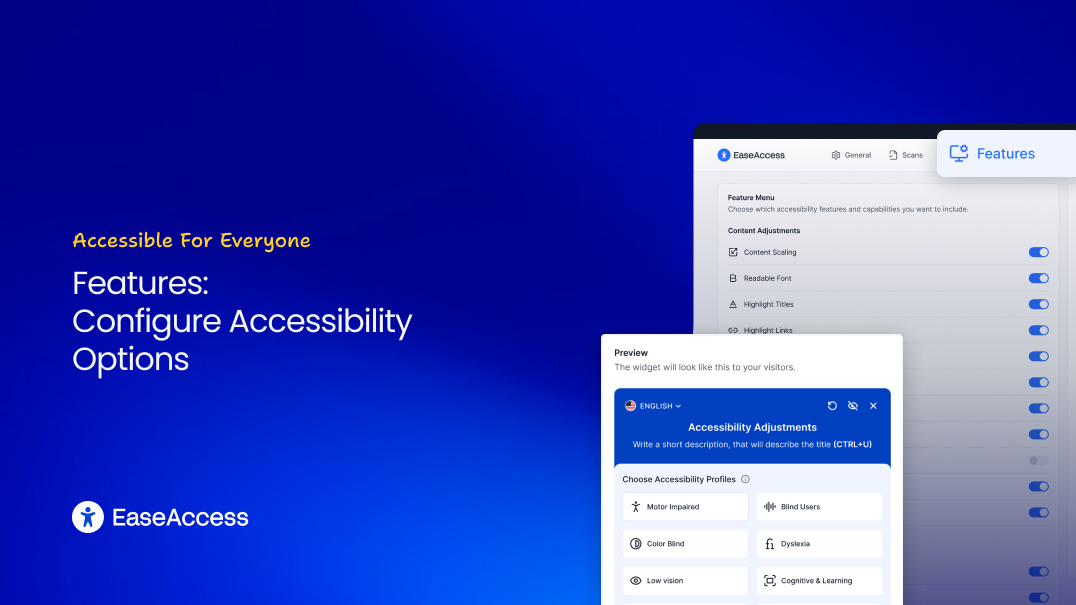
The Features tab is the heart of EaseAccess Accessibility. Here you decide what tools your users can access — neatly grouped into four categories:
Content Adjustments
- Content Scaling
- Readable Font (PRO)
- Highlight Titles (PRO)
- Highlight Links
- Line Height & Letter Spacing controls
- Text Alignment options
- Integrated Dictionary
Color Adjustments
- Grayscale mode
- Contrast control (Dark/Light)
- Color Saturation adjustment
Navigation Adjustments
- Page Structure Map
- Big Cursor
- Pointer Trail & Click Spark
- Custom Image Trails
Orientation Adjustments
- Built-in Screen Reader
- Reading Mask (PRO)
- Pause Animations
- Reading Guide
- Magnify Images
- Tooltip display
Accessibility Statement: Communicate Your Commitment
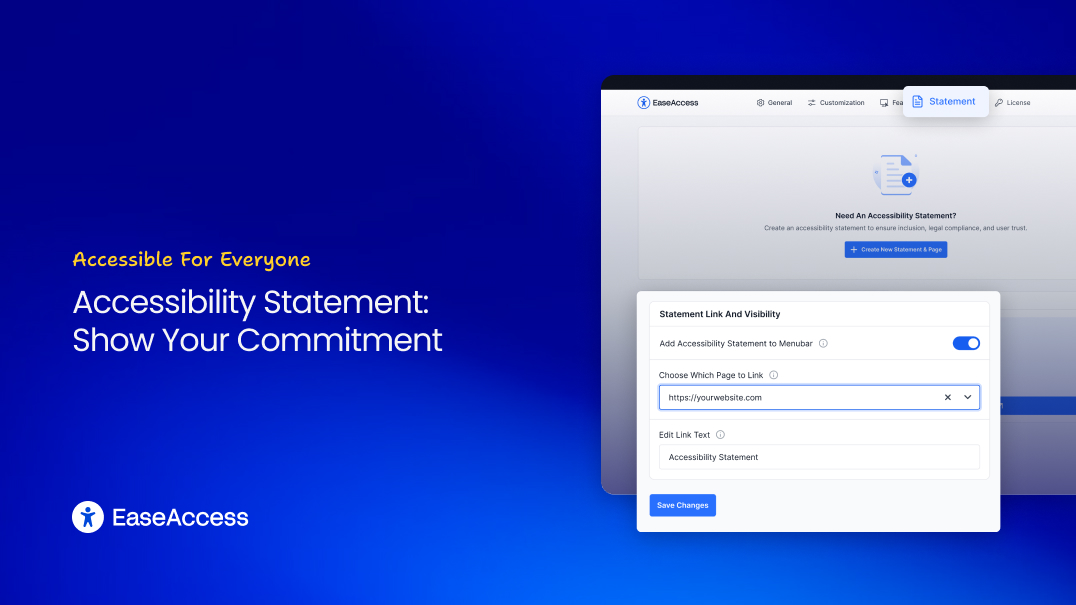
Transparency is a key part of accessibility compliance. The Statement tab helps you generate and manage your website’s official Accessibility Statement — automatically.
You can:
- Create a New Statement by answering guided prompts.
- Add a Link to your header, footer, or widget.
- Customize Text (“Accessibility”, “Our Accessibility Policy”, etc.).
- Preview the Statement Link in real-time.
This not only builds trust but also aligns with WCAG requirements for user feedback and accountability.
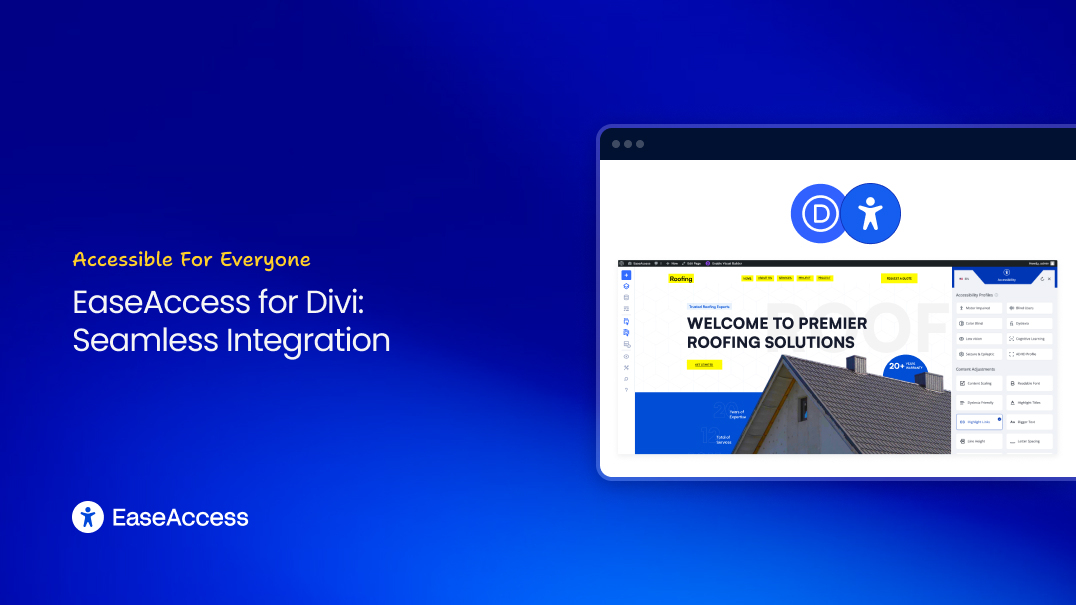
EaseAccess for Divi: Seamless Builder Integration
EaseAccess is fully compatible with Divi Builder, making it the perfect solution for Divi creators who want accessibility without disrupting design.
Benefits for Divi Users:
- Works natively within Divi layouts
- Customizable toolbar to match theme colors
- Lightweight and performance-optimized
- Ideal for agencies delivering client-ready, compliant Divi websites
You can even scan Divi-built pages for accessibility issues directly from the WordPress dashboard — no extra setup required.
Why EaseAccess Accessibility Stands Out
| Feature | EaseAccess Accessibility | Other Plugins |
| WCAG/ADA Compliance | Yes | Partial |
| Accessibility Scanner | Built-in | No |
| Accessibility Statement Generator | Included | No |
| Full Widget Customization | Yes | Limited |
| Divi Integration | Seamless | Conflicted |
| Performance Impact | Lightweight | Heavy scripts |
Final Thoughts: Building a More Inclusive Web
The internet should work for everyone — and EaseAccess Accessibility makes that achievable in minutes.
With its combination of front-end tools, automated audits, and custom design options, it’s not just a plugin — it’s your accessibility partner.
Whether you’re a Divi designer, WordPress developer, or business owner, you can now create websites that are compliant, user-friendly, and inclusive — without compromise.
Ready to Make Your Website Accessible?
Make your Divi website WCAG & ADA compliant in minutes.
Get EaseAccess Now